
Inside the Catalog: 60,000+ Coins From 200+ Countries
One search covers more than 60,000 coins from over 200 countries, with mintages, key dates and design notes, plus weights that fill in when you add a coin.
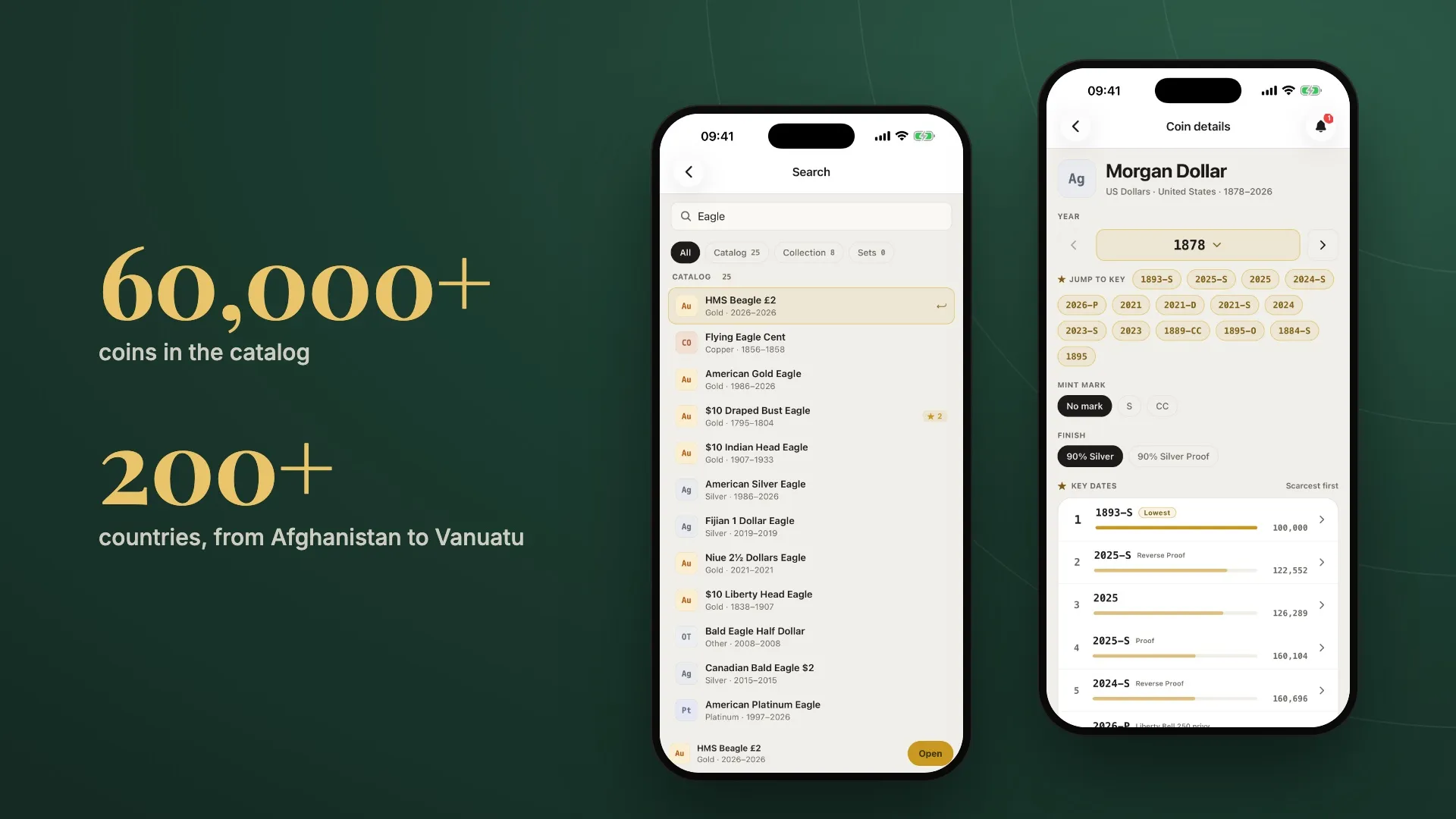
Every coin you add to My Coin Stack starts with a lookup. What is it made of, how much does it weigh, how many were struck, and is the year in your hand one of the scarce ones? Those answers come from the catalog built into the app, and it has grown a lot.
The catalog now holds more than 60,000 coins from over 200 countries. American classics are there, from Flying Eagle cents to Morgan dollars. So are modern bullion programs like the Maple Leaf, Britannia, Krugerrand and Philharmonic, and thousands of world and commemorative issues from Afghanistan to Vanuatu. Here’s what you can do with it.
One search for everything
Tap the search icon at the top of the app and start typing. A single search box covers the whole catalog and your own collection and sets, so you don’t have to decide in advance where you’re looking.
Results arrive as you type, with counts for each section: catalog, collection and sets. Tap a chip to narrow the list, or leave it on All. Each catalog row shows the metal at a glance (Au, Ag, Pt, Pd, copper) along with the years the coin was struck. A gold star with a number marks a coin that has key dates, so the series worth a closer look stand out before you open them.
Search for “Eagle” and you’ll see US gold eagles from 1795 onward, the Flying Eagle cent, Silver, Platinum and Palladium Eagles, and eagle-themed coins from Fiji, Niue and Canada, plus the Eagles already in your collection.
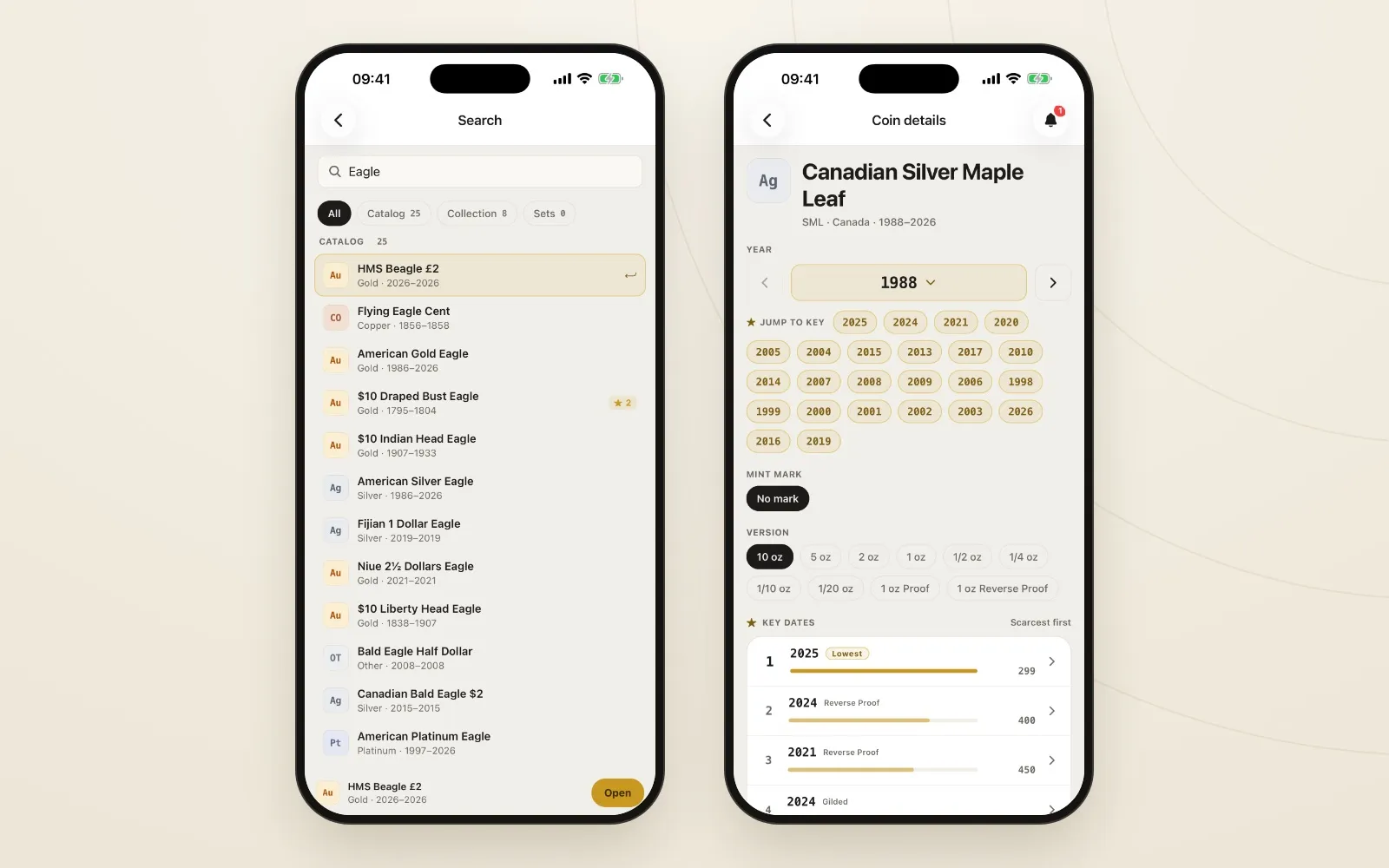
One search covers the catalog, your collection and your sets. Open a coin to see every year and version.
Mintages and key dates, before you buy
Open a coin and you get its full reference page. Pick a year with the year picker, or jump straight to a key date with one tap. Choose the mint mark and finish, or the version for bullion coins: the Silver Maple Leaf lists sizes from 1/20 oz up to 10 oz, along with Proof and Reverse Proof strikes.
Below that, Key dates ranks the scarce issues by mintage, lowest first. Each one has a bar that shows how rare it is compared with the scarcest, so you can see at a glance how much rarer the 1893-S Morgan is than the dates around it.
Tap any year for the details of that exact issue:
- Metal and purity, for example 90% silver
- Gross weight and pure metal content, in troy ounces
- Melt value at today’s live spot price
- Mintage, the number struck that year at that mint
- Obverse and reverse descriptions: who designed the coin and what’s on each side
If the issue is a key date, a banner says so and gives the reason, such as lowest business strike. Want one for your collection? Add it to your wishlist from the same screen.
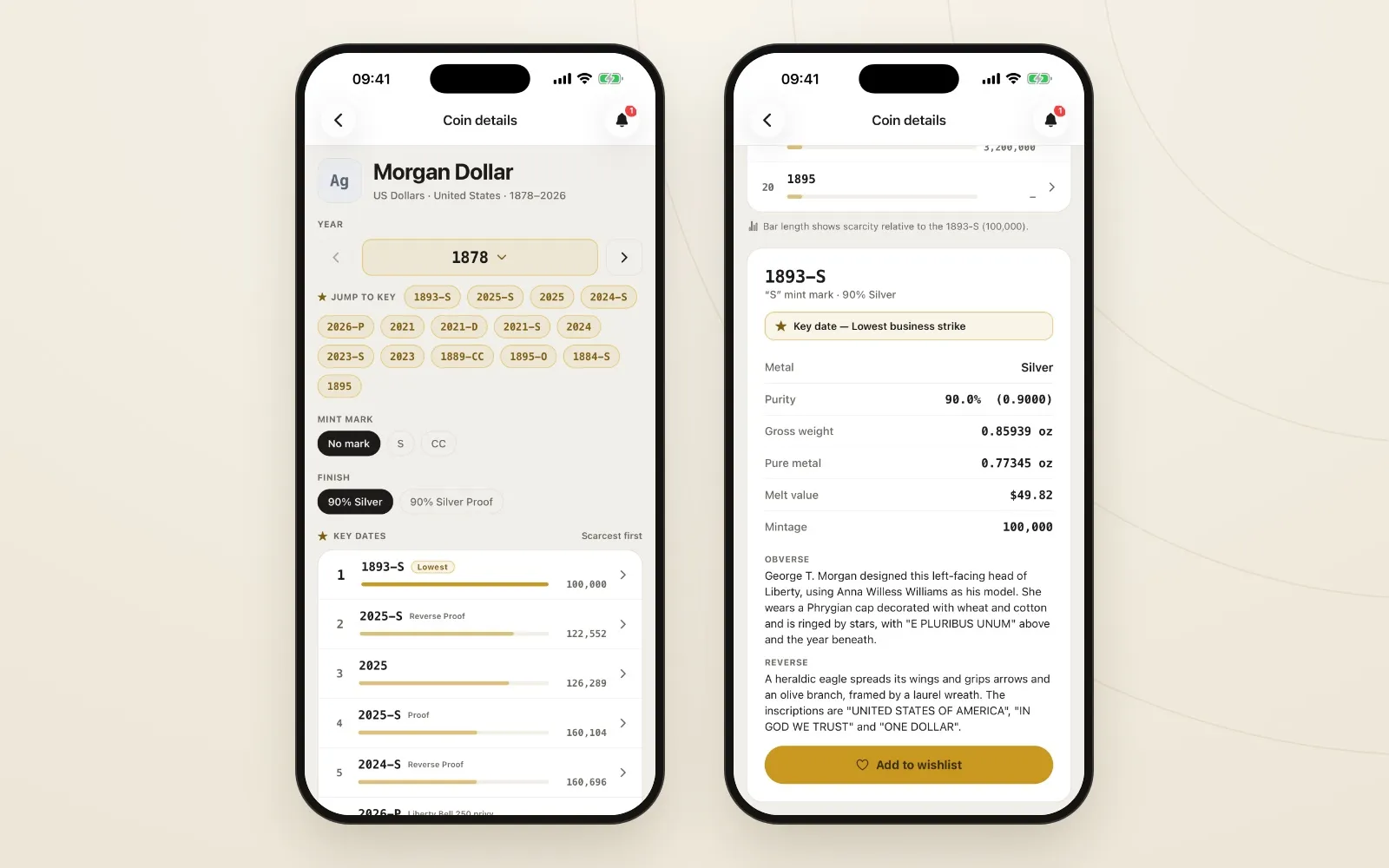
Key dates ranked by mintage, and everything about one issue on a single card.
This is the page to check at a coin show. If a dealer has a stack of Morgans, you can see in seconds which dates are common and which deserve a second look, without leaving the app.
Adding a coin takes the catalog with it
The catalog isn’t only for looking things up. It also saves you from typing when you add a coin to your collection.
In Add item, pick the style and metal and, if you like, narrow by country. Then search the catalog for the model. Results show the metal, the country and how many issues the catalog holds for that coin: the Canadian Silver Maple Leaf has 81.
Enter the year, and Which one do you have? shrinks to the versions struck that year: every size, plus the Proof, Reverse Proof and privy-marked editions. Pick yours, and the weight and purity are locked to the catalog values. You confirm details rather than look them up, and a wrong digit can’t quietly skew your melt value.
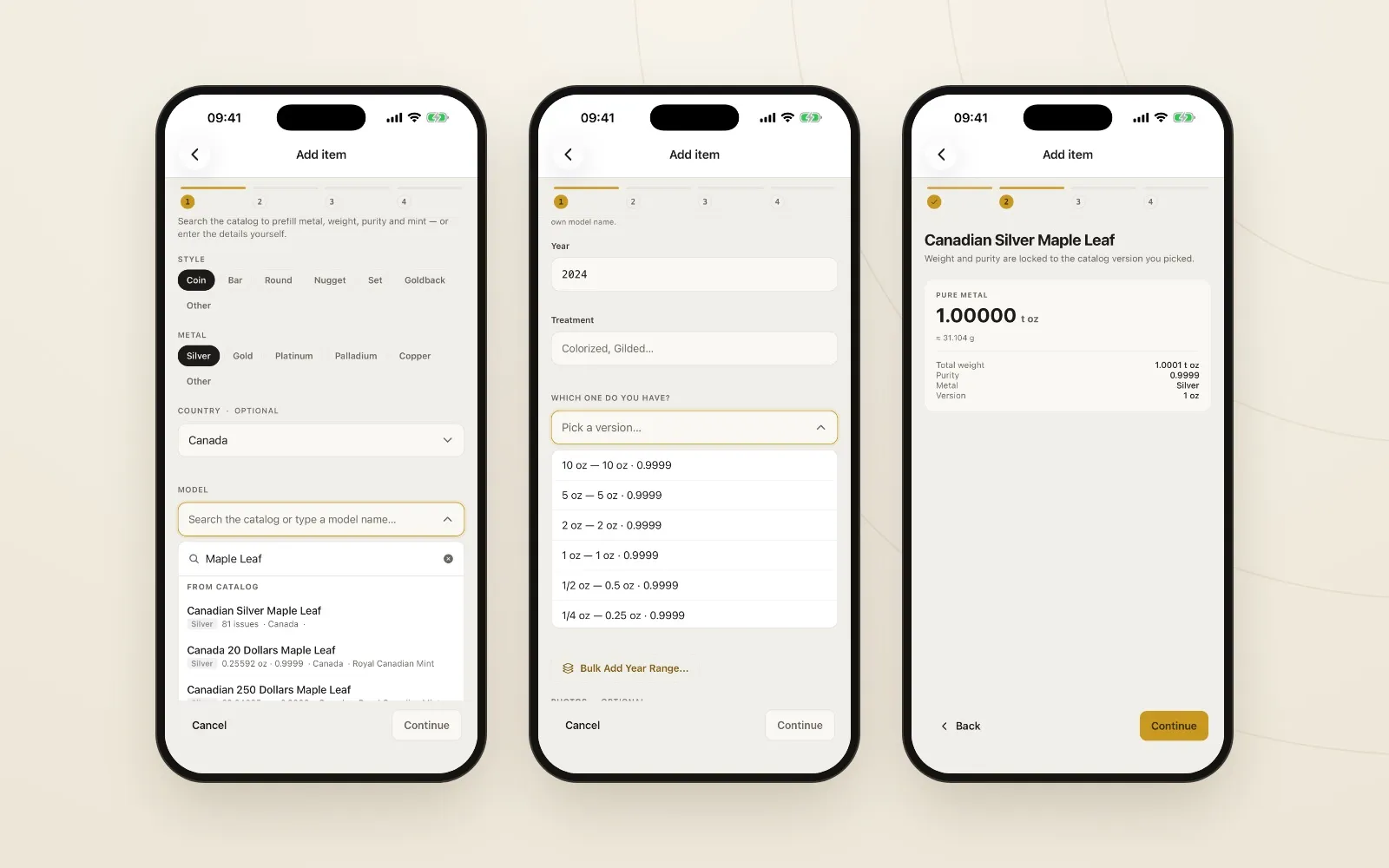
Search the catalog, pick your version, and the weight and purity are filled in for you.
Adding a whole run of years? Bulk Add Year Range lets you tick off the years and mint marks you own and adds them all at once, each with its own weight and purity from the catalog. It’s handy for a date set or a run of annual bullion coins.
Once a coin is in your collection, its melt value tracks the live spot price, and it counts toward your reports. Because the weight and purity came from the catalog, every total built on them starts from accurate numbers.
When a coin isn’t there yet
With 60,000+ entries the catalog covers most of what collectors bring to it, but not everything. If you can’t find a coin, you can still add it by typing your own model name and entering the weight and purity yourself. You can also ask for it to be added to the catalog from inside the app. The catalog keeps growing, and requests help decide what gets added next.
Try it
The full catalog is included on every plan, free one too. Search it in any browser, on mobile, or on your TV, and look up a coin before you buy it. If you’re still tracking your coins in a spreadsheet, our comparison of a coin spreadsheet and an app shows what the catalog saves you from typing.
Keep reading
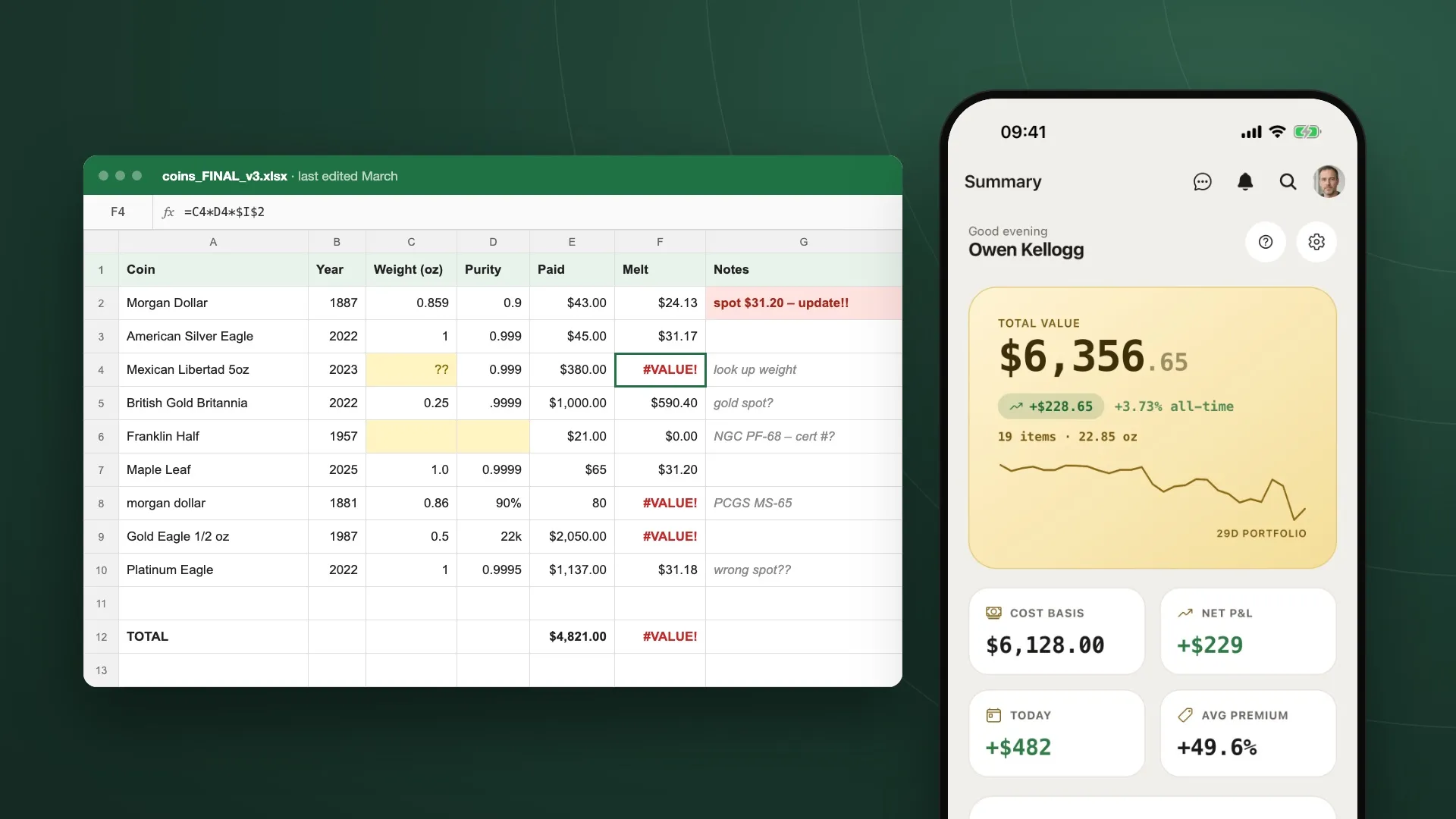
Coin Collection Spreadsheet vs. an App: What You Gain
Spreadsheets are where most collections start. Where they fall short: stale spot prices, hand-typed weights, fragile formulas, and a file stuck on one computer.
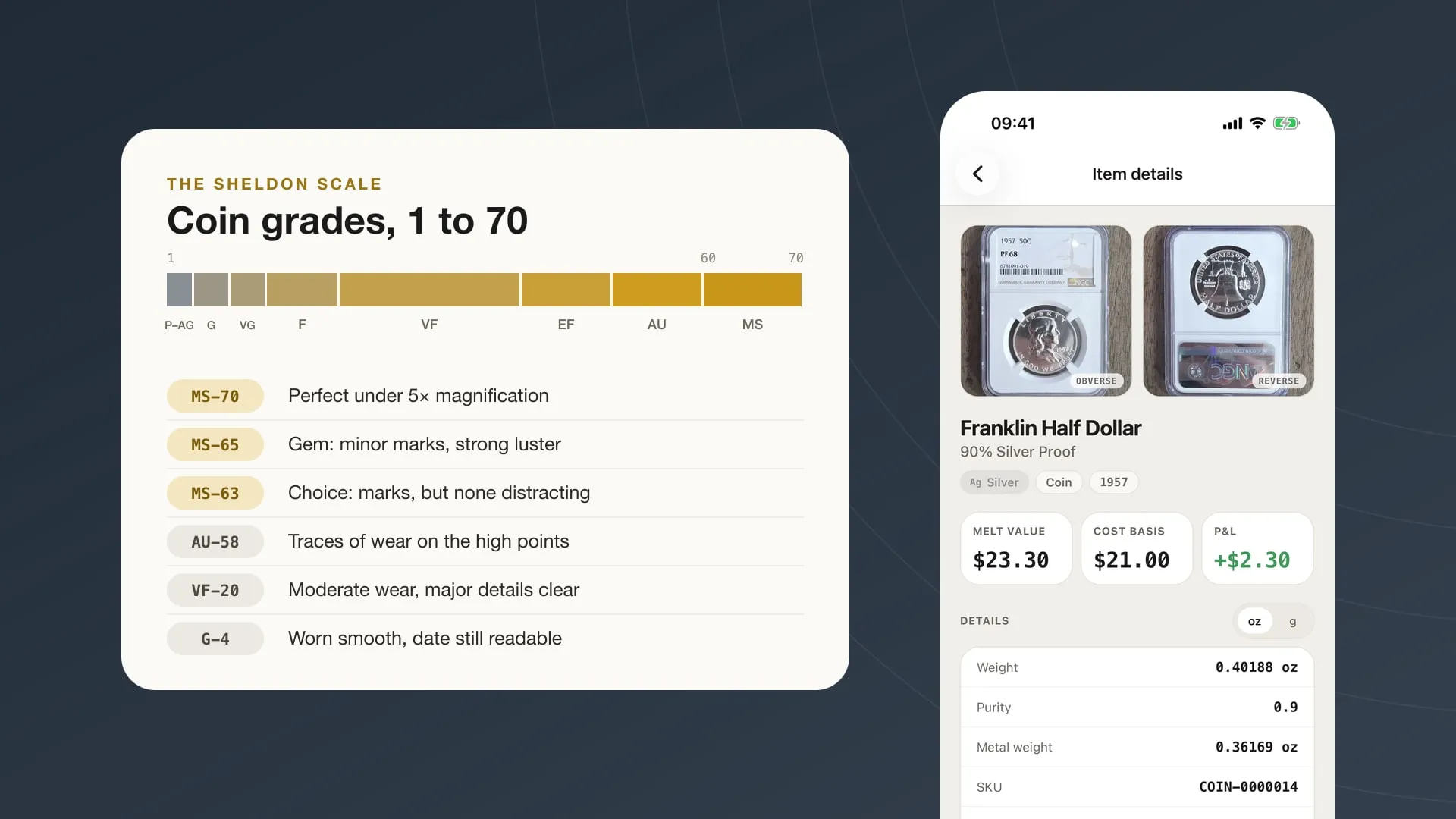
Coin Grading Basics: What MS-63, VF-20 and 'Details' Mean
How the 1–70 Sheldon scale works, what the letters and plus signs on a slab mean, when third-party grading is worth paying for, and how to record grades.
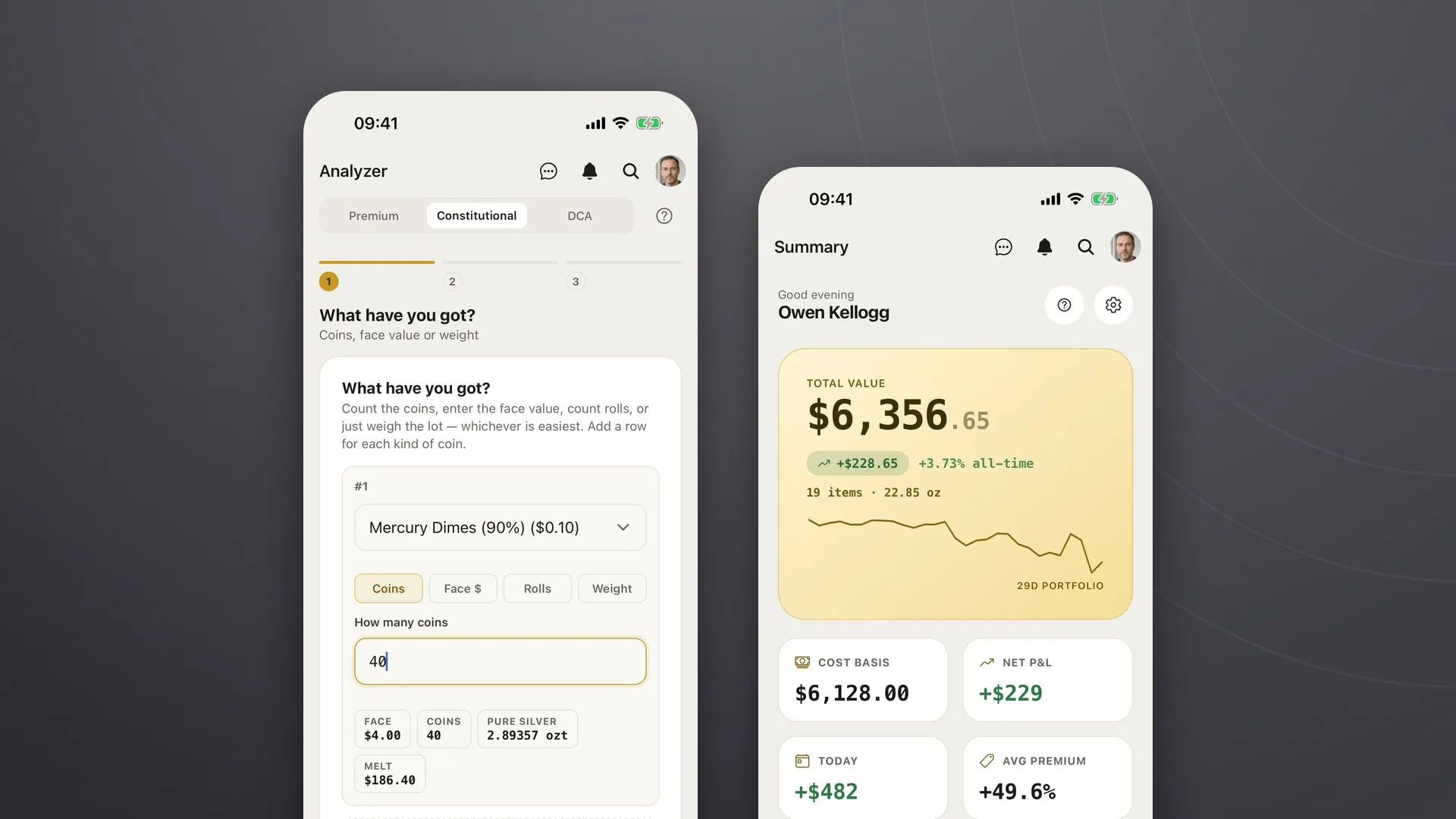
Junk Silver Explained: How Much Silver Is in Pre-1965 US Coins
Pre-1965 dimes, quarters and halves are 90% silver. How much silver each holds, how to value a pile of them, and how to check a 'times face' quote.

Put it to work on your own stack.
My Coin Stack is free in any browser, with no card required.